

How To Customize Smart Roller Blinds
Are you frustrated with generic window shades that let in unwanted light or don’t fit properly? Customizing smart roller shades might sound complex, but it's the best way to achieve a perfect fit, seamless smart home integration, and total light control. In this guide, you'll learn exactly how to choose fabric, motor type, and precise measurements to create made-to-measure shades that match your home's style and your daily routine. By the end, you will be ready to order custom smart roller shades with confidence.
Why Customizing Smart Roller Shades Matters
Off-the-shelf shades rarely fit all window sizes perfectly. Custom smart roller shades solve common problems like light gaps, limited fabric choices, and incompatible smart controls. When you customize, you get:
- Exact fit for inside or outside mounts – no more light leakage.
- Your choice of light control – from sheer to 100% blackout.
- Smart motor compatibility – works with your existing ecosystem (Alexa, Google Home, Apple Home, or Matter).
- A cohesive look – match fabric colors and textures to your decor.
Graywind offers a straightforward customization process, as shown on their Roller Shades collection page. Below, we break down each decision step by step.

Choose Your Fabric Based on Light Control
The first customization decision is fabric type. Graywind provides four distinct levels of light filtration:
|
Light Control Level |
Best For |
Privacy |
|
Blackout |
Bedrooms, home theaters, nurseries |
Total |
|
Light Filtering |
Living rooms, home offices |
Moderate |
|
Semi-Sheer |
Kitchens, sunrooms |
Partial daytime |
|
Sheer |
Windows with a view |
Low |
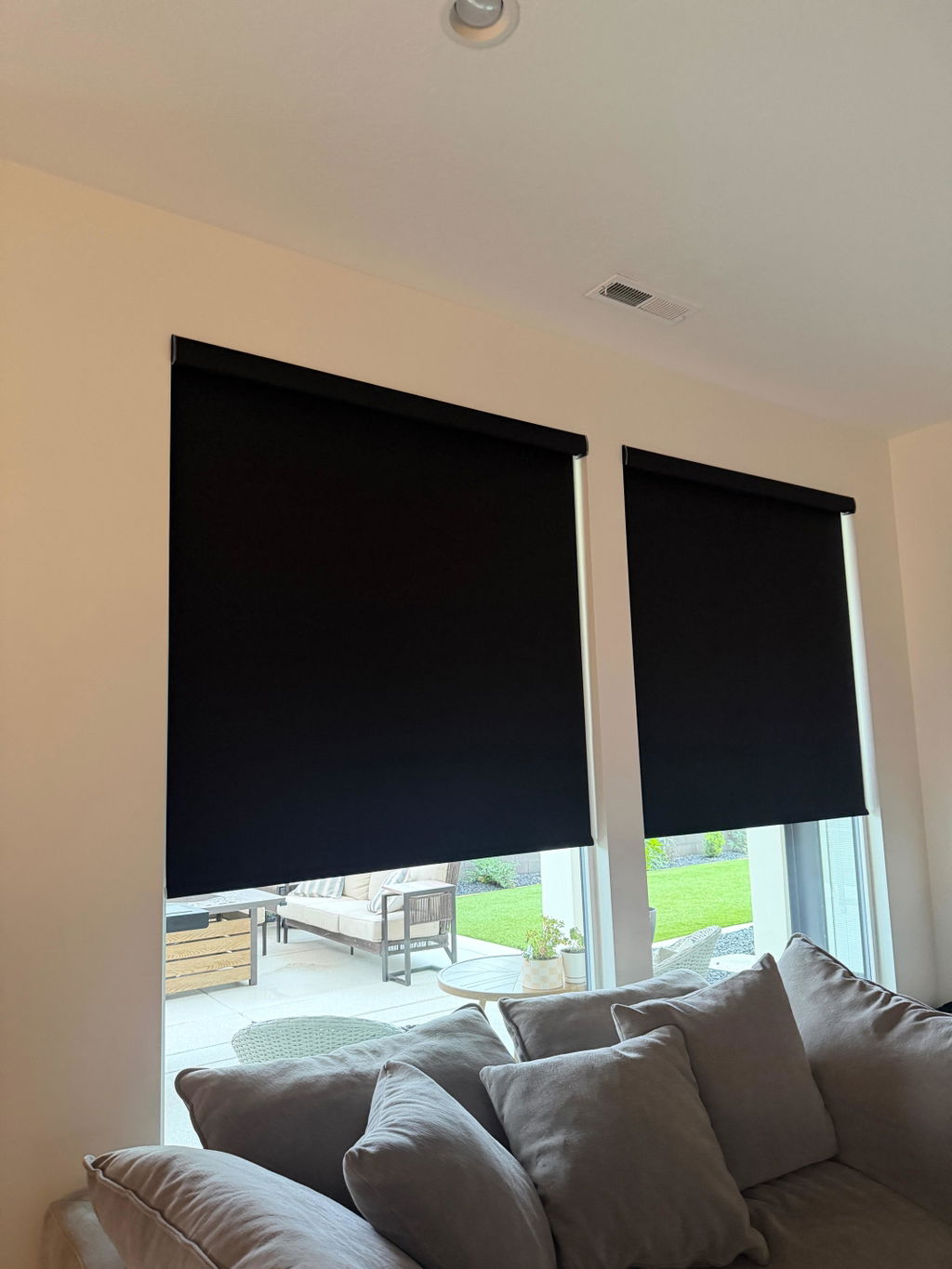
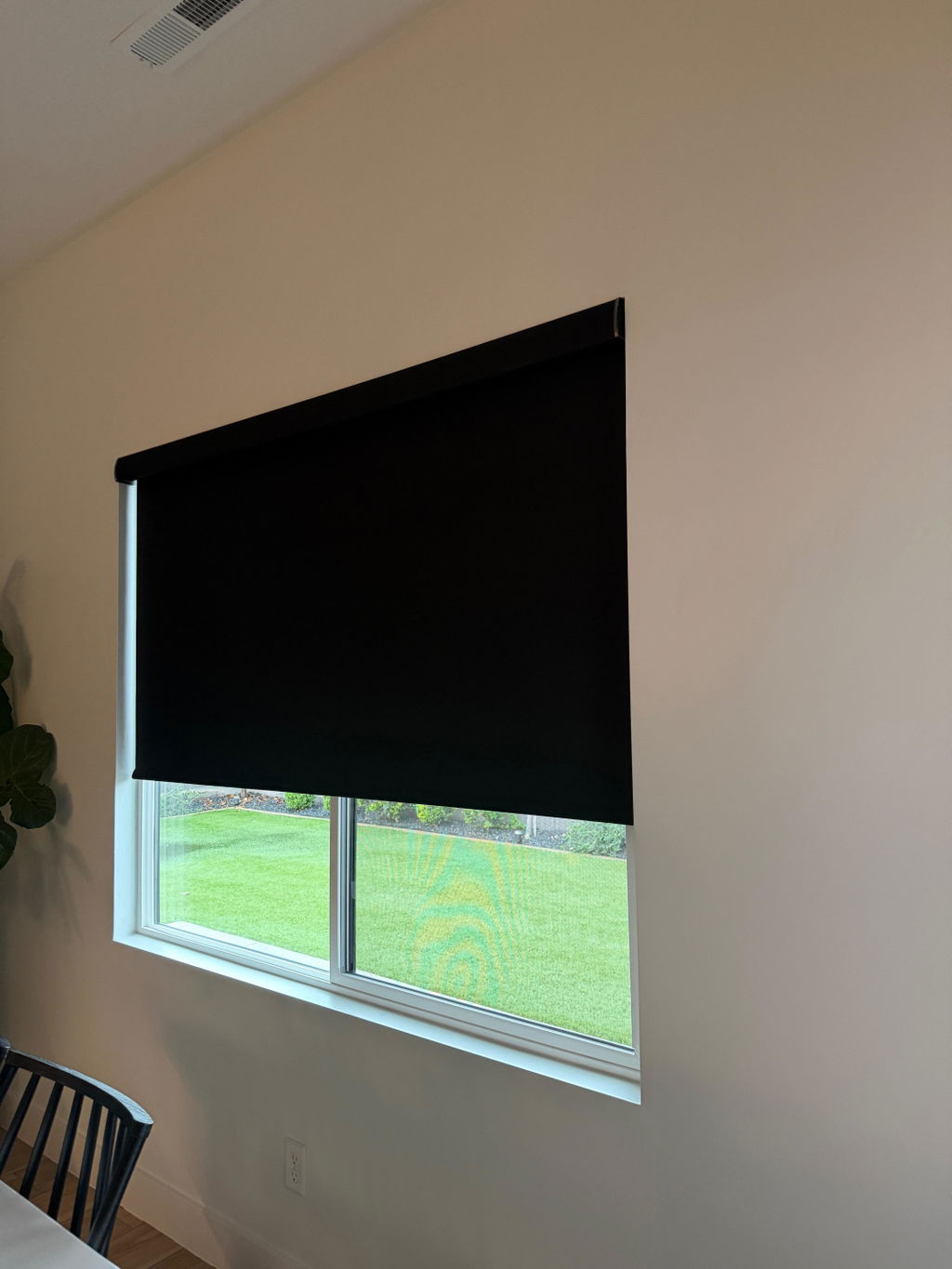
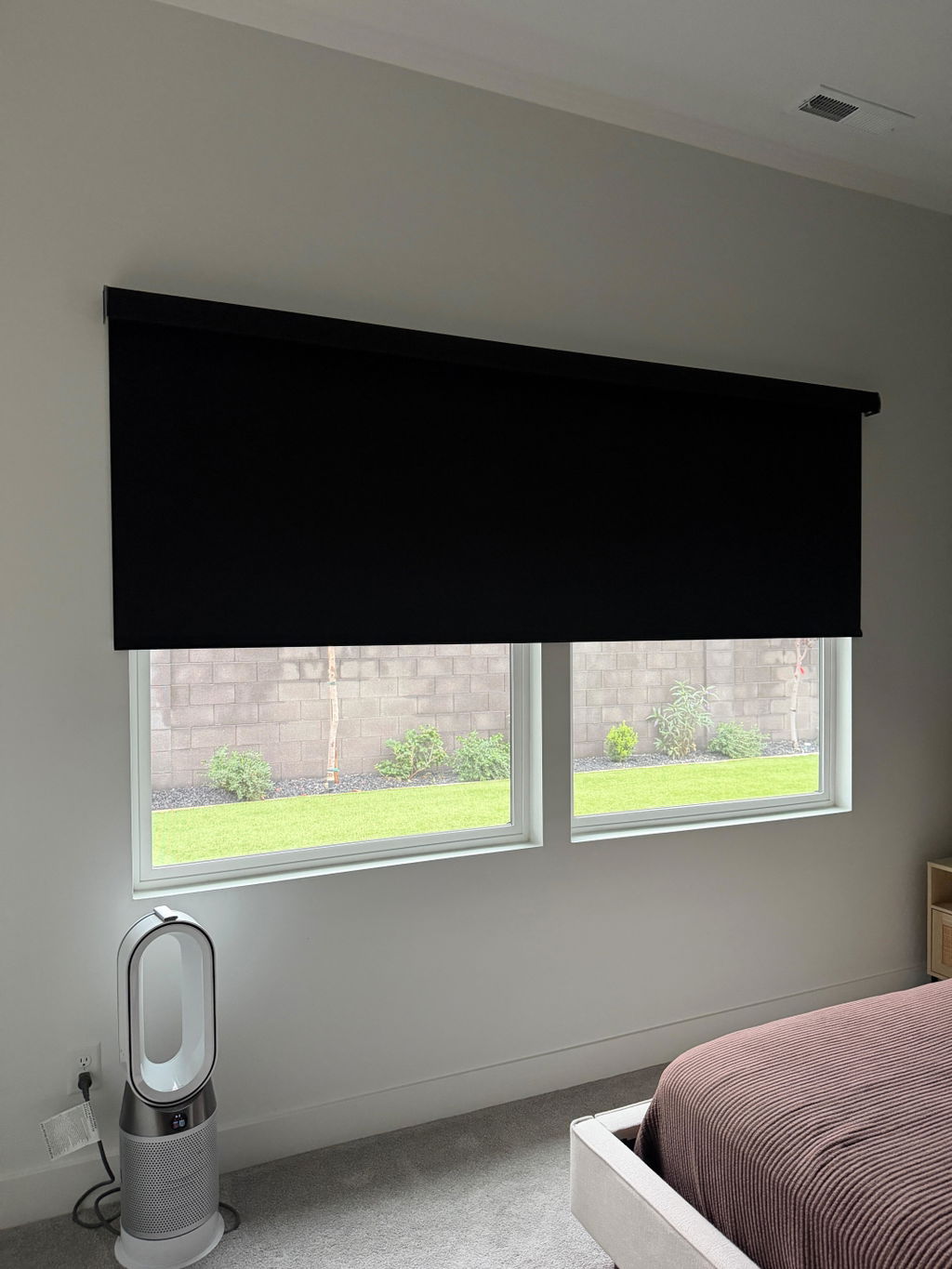
For complete darkness and energy savings, the Textured Blackout Roller Shades block 100% of sunlight and UV rays (see the Textured Blackout product page). This is ideal for shift workers or parents of young children.
Select the Right Smart Motor (Important for Compatibility)
Your smart roller shade motor determines how you control the shades. Graywind offers five motor options. Choose based on your existing or planned smart home ecosystem.
|
Motor Type |
Compatible With |
Best For |
|
Bluetooth |
Graywind App, Alexa/Google Home (via hub) |
Entry-level smart control |
|
Zigbee |
Echo Plus, Echo Show, Echo Hub |
Amazon-centric homes |
|
Matter |
Apple Home, Google Home, Alexa, SmartThings |
Cross-platform future-proofing |
|
Hardwired WiFi |
Graywind App, Alexa, Google Home (no hub) |
Always-powered outlets |
|
Eve Motor |
Apple HomeKit |
Dedicated Apple users |
If you want maximum long-term compatibility, the Matter motor is highly recommended because it works with all major platforms.
Measure Your Windows Accurately
Accurate measurements ensure your custom smart roller shades fit perfectly. Graywind provides detailed guides, but here are the essentials.
Inside Mount vs. Outside Mount
- Inside mount requires at least 1 7/8 inches of depth. Measure width at top, middle, and bottom – use the smallest number. Measure height left, center, right – use the smallest number.
- Outside mount : measure width at top, middle, bottom – use the largest number. Add 1–3 inches for full blackout coverage. Leave at least 3 inches above for a valance.
Always record width to the nearest 1/16 inch and height to the nearest 1/8 inch. Small mistakes can lead to poor fit.
Width and Height: Getting the Perfect Fit
Accurate measurements are critical. Graywind requires:
- Width to the nearest 1/16″
- Height to the nearest 1/8″
If your window is between 20″ and 98″ wide, you will see exact pricing updates as you adjust width. Larger widths cost more due to more materials and a larger motor. Heights over 72″ may also add cost.
Always remeasure twice. Even small mistakes can lead to gaps or a shade that does not fit. Graywind’s “Worry-Free Fit” policy covers minor measuring errors, but accurate numbers save time.
Control Options: Remote, App, and Voice
Your custom smart roller shade includes multiple control methods. You do not need to choose one—they all work together.
- Aeolus® Remote (free): 15 channels, timing function. Use it to set schedules or control groups.
- Graywind App: Control individual shades or rooms from your phone. Set automations (“close at sunset”).
- Voice Control: Works with Alexa and Google Home (via Bluetooth Hub or WiFi). Say “Alexa, lower the bedroom shade to 50%.”
For the best experience, we recommend using all three. The app handles schedules, the remote sits on the coffee table, and voice is hands‑free.
Smart Roller Shades vs. Traditional Shades
Many people wonder whether smart roller shades are worth the extra cost. Here is a quick comparison:
|
Feature |
Smart Roller Shades |
Traditional Blinds |
|
Voice/app control |
✅ Yes |
❌ No |
|
Scheduling/timers |
✅ Yes |
❌ No |
|
Cordless safety |
✅ Yes |
Sometimes |
|
Custom fit |
✅ Yes |
Mostly standard sizes |
|
Energy savings |
✅ Thermal fabric |
Varies |
For tech-enabled homes, smart roller shades offer convenience you cannot get with manual blinds.
Common Mistakes to Avoid When Customizing
- Incorrect inside mount depth – failing to check the 1 7/8″ minimum.
- Forgetting to add width for outside mount – always add 1–3″.
- Choosing the wrong motor – pick one that matches your current smart ecosystem, not the cheapest option.
- Ignoring fabric swatches – colors look different on screens; order a sample if available.
- Overlooking the “Manumatic” option – if you are motor-hesitant, this hybrid is perfect.

Customizing smart roller shades is straightforward when you break it down. Start with mount type and precise measurements. Finally, choose your control method—remote, app, and voice all work together.
Graywind makes it easy with free shipping, a 5‑year warranty, and a worry‑free fit guarantee. Now you are ready to build your perfect shade.